What Does Printer Ink Do When It Expires?
When your printer ink expires, it thickens and dries out, causing faded, blotchy, or streaky prints. You’ll notice dull colors and clogged nozzles that can damage your printer’s components over time.
Expired ink can also increase wear on your print head, reducing your printer’s lifespan. To avoid these issues, it’s important to store ink properly and dispose of expired cartridges safely.
Keep exploring, and you’ll discover how to protect both your printer and the environment. Taking care of your ink not only ensures vibrant prints but also helps maintain your printer’s health and longevity.
Key Takeaways
- Expired printer ink undergoes chemical changes, causing thickening and drying that reduce print flow and quality.
- Pigments or dyes degrade, resulting in faded, blotchy, or inaccurate colors on printed materials.
- Increased viscosity from expired ink leads to nozzle clogging and incomplete or streaky prints.
- Using expired ink strains printer hardware, potentially causing mechanical wear and shortening print head lifespan.
- Improper expired ink disposal risks environmental contamination; proper handling and recycling prevent harm and support sustainability.
How Printer Ink Expiration Dates Are Determined
How do manufacturers decide when printer ink should expire? They base expiration dates on extensive testing that evaluates ink stability and performance over time.
You might expect ink to last indefinitely, but factors such as storage conditions and ink composition affect its lifespan. Manufacturers analyze how ink behaves under various temperatures, humidity levels, and light exposures to determine when it starts losing quality.
They also test print output to ensure colors remain consistent and no clogging occurs. These tests help set a safe window for ideal use, protecting your printer and guaranteeing reliable results.
Chemical Changes in Ink After Expiration
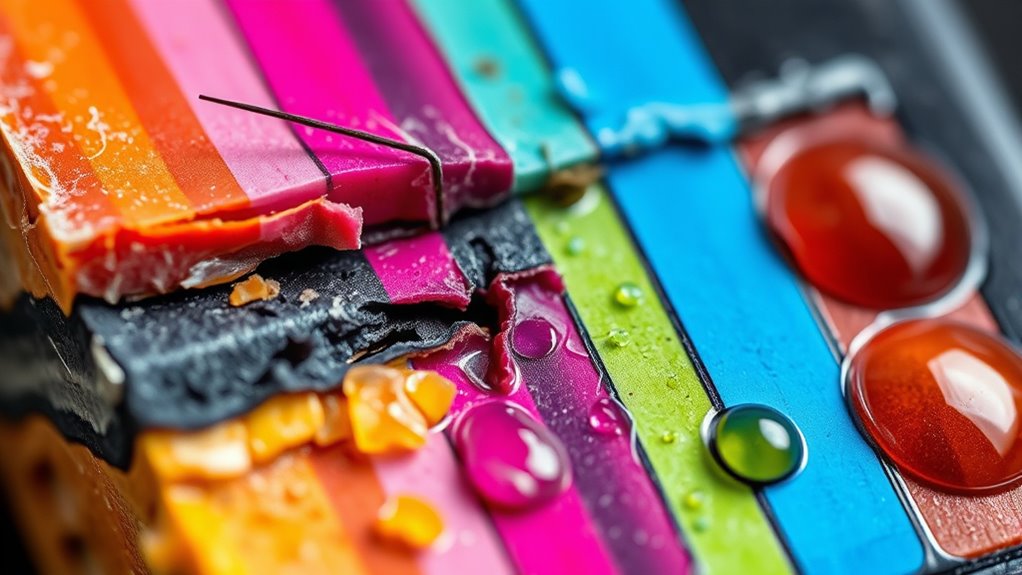
Although expired ink might look fine, its chemical composition changes in ways that can affect print quality and printer health. Over time, the solvents in the ink begin to evaporate or break down, causing the ink to thicken or dry out.
Expired ink changes chemically, thickening and drying out, which harms print quality and printer performance.
The pigments or dyes can also degrade or settle, leading to uneven color distribution. You might find the ink’s pH balance shifts, which can promote clogging or corrosion inside your printer.
Additionally, the additives that keep the ink stable lose effectiveness, causing chemical reactions that alter the ink’s consistency. These changes don’t just affect how the ink flows; they can interfere with how your printer’s components interact with the ink.
If you use expired cartridges regularly, this can potentially lead to damage or malfunctions. So, it’s really a good idea to keep an eye on your ink’s expiration date to avoid any printer headaches down the road.
Effects of Expired Ink on Print Quality
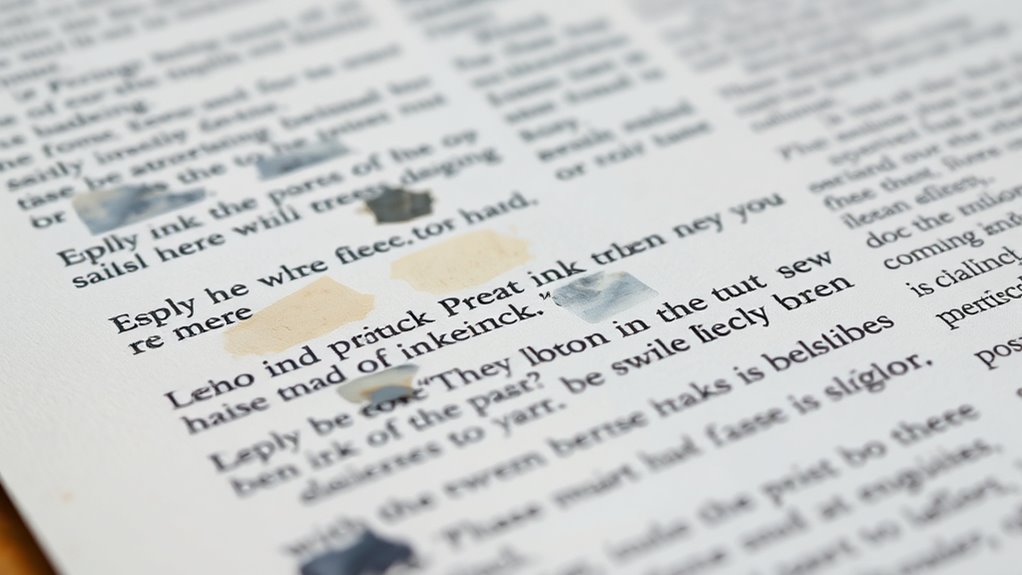
Why does expired ink often lead to disappointing print results? When ink expires, its chemical composition changes, causing it to thicken or dry out.
You’ll notice your prints looking faded, blotchy, or streaky because the ink doesn’t flow smoothly through the printer nozzles. Colors may appear dull or inaccurate since the pigments degrade over time.
Sometimes, the ink clogs the tiny nozzles, resulting in incomplete images or text that’s hard to read. If you’re printing photos or important documents, these quality issues become especially frustrating.
Using expired ink means you might have to reprint multiple times, wasting both paper and ink. To keep your prints sharp and vibrant, it’s best to replace ink cartridges once they pass their expiration date.
Potential Risks to Printer Hardware From Using Expired Ink
When you use expired ink, its viscosity can change, making it thicker and harder to flow properly. This increases the chance of nozzle clogging, which can disrupt your printer’s performance.
Over time, these issues might damage delicate printer components, leading to costly repairs. So, it’s really best to avoid using ink that’s past its prime to keep your printer running smoothly.
Ink Viscosity Changes
If you use expired ink, you might notice changes in its viscosity that can affect your printer’s performance. As ink ages past its expiration date, it often thickens or becomes uneven in consistency.
This altered viscosity can cause the ink to flow improperly through the printer’s internal mechanisms. When ink is too thick, it may strain the printer’s pump and rollers, potentially leading to mechanical wear or damage over time.
On the other hand, overly thin ink might not adhere well to paper. But more importantly, inconsistent flow stresses the printer’s components.
To keep your printer running smoothly, it’s best to avoid using ink that has changed in thickness. Using fresh, properly stored ink guarantees ideal flow and reduces the risk of harming your printer hardware.
Nozzle Clogging Risks
Along with changes in viscosity, expired ink can lead to nozzle clogging, which poses a direct threat to your printer’s hardware. When ink thickens or dries out, it tends to accumulate in the tiny nozzles, blocking the smooth flow of fresh ink.
This clogging can cause poor print quality and force your printer to work harder, potentially shortening its lifespan. You might notice streaks, faded colors, or spots on your prints when this happens.
Here’s what you might experience with clogged nozzles from expired ink:
- Irregular ink flow disrupting print patterns
- Frequent cleaning cycles that consume more ink
- Increased risk of permanent blockages
- Printer errors or warnings related to ink delivery
Avoiding expired ink helps keep your nozzles clear and your printer running smoothly. It’s a simple step that can save you a lot of hassle down the line.
Printer Component Damage
Though expired ink may seem harmless at first, it can cause serious damage to your printer’s internal components. Using old ink increases the chances of clogging, which puts extra strain on your printer’s nozzles and print heads.
This strain can lead to permanent damage, forcing costly repairs or replacements. Additionally, expired ink often thickens and can leave residue inside the ink cartridges and tubing, causing blockages that affect ink flow.
Over time, these blockages can degrade the precision of your printer’s mechanisms, reducing print quality and shortening the printer’s lifespan. To protect your investment, it’s best to avoid using expired ink and replace cartridges promptly.
Doing so ensures smooth operation and helps you avoid unnecessary wear and tear on your printer’s delicate parts. It’s a small step that can save you a lot of hassle down the road!
How to Properly Store Ink to Extend Its Usable Life
Because ink is sensitive to temperature and light, you should store it in a cool, dark place to keep it fresh longer. Avoid places near windows or heaters where sunlight or heat can degrade the ink quality.
Keep your cartridges sealed in their original packaging until you need them to prevent drying out. Also, store ink upright to minimize leaks and maintain proper ink flow.
Here are some tips to help you store ink properly:
- Place cartridges in a drawer or cabinet away from direct sunlight
- Maintain a stable room temperature, ideally between 59°F and 77°F (15°C – 25°C)
- Avoid storing ink in places with high humidity or extreme cold
- Keep cartridges away from dust and contaminants by sealing them tightly
Following these steps will really help extend your ink’s usable life. Just a few simple habits can make a big difference!
Tips for Recycling or Disposing of Expired Ink Cartridges
When it’s time to get rid of expired ink cartridges, make sure you know your local disposal regulations to avoid any trouble. You can often find recycling programs through retailers or manufacturers that make the process easy and eco-friendly.
Always handle cartridges carefully to prevent leaks and protect yourself from harmful chemicals. It’s a simple step that really makes a difference in keeping things safe for everyone.
Local Disposal Regulations
If you’ve got expired ink cartridges piling up, knowing your local disposal regulations can help you avoid fines and protect the environment. Different areas have specific rules about how to handle these cartridges since they contain chemicals that shouldn’t go in regular trash.
Before tossing them, check your city or county’s guidelines to see what’s allowed.
Here are some common local disposal rules you might encounter:
- Prohibition on throwing cartridges in household garbage
- Requirements to take cartridges to designated hazardous waste centers
- Restrictions on mixing ink cartridges with other electronic waste
- Mandatory use of sealed containers to prevent leaks during disposal
Following these rules keeps you compliant and helps prevent environmental contamination. So, it’s really worth taking a moment to find out what your local laws say before you dispose of those cartridges.
Recycling Program Options
Knowing your local disposal regulations is a great first step, but recycling programs offer practical ways to manage expired ink cartridges responsibly. Many manufacturers and office supply stores run take-back programs where you can drop off used cartridges for recycling.
Some even provide prepaid mailers for easy returns. You can also check for community recycling events or electronic waste centers that accept ink cartridges.
Participating in these programs helps prevent harmful chemicals from ending up in landfills and supports the reuse of plastic and metal components. Before recycling, make sure cartridges are sealed in plastic bags to avoid leaks.
Safe Ink Handling
Although expired ink cartridges may seem harmless, handling them safely is essential to avoid spills and exposure to potentially harmful chemicals. When you’re ready to recycle or dispose of them, take a few precautions to protect yourself and the environment.
Here are some tips to follow:
- Store cartridges in a sealed plastic bag or container to prevent leaks.
- Avoid puncturing or crushing cartridges, which can release ink.
- Keep cartridges out of reach of children and pets.
- Use gloves when handling ink to minimize skin contact.
Taking these simple steps can make a big difference. It’s all about staying safe and being responsible!
Frequently Asked Questions
Can Expired Ink Be Used for Art Projects or Crafts?
You can use expired ink for art projects or crafts, but it might not perform well.
Colors could be dull or inconsistent. Just test it first, so you don’t waste your materials or time.
Does Expired Ink Affect the Drying Time of Prints?
Yes, expired ink can slow drying time because its chemical composition breaks down. You might notice smudging or longer waits before prints fully dry.
Are Certain Printer Brands More Prone to Issues With Expired Ink?
You know what they say: “An ounce of prevention is worth a pound of cure.”
Some brands, like Epson and Canon, tend to have more issues with expired ink clogging nozzles. So, you’ll want to replace it promptly to avoid headaches.
Can Expired Ink Cause Environmental Hazards During Disposal?
Yes, expired ink can cause environmental hazards if disposed of improperly. You should never pour it down drains or trash.
Instead, recycle cartridges at designated centers to prevent harmful chemicals from polluting soil and water. It’s a small step that makes a big difference!
Is It Safe to Mix Expired Ink With Fresh Ink Cartridges?
Mixing expired ink with fresh ink is like blending spoiled milk into fresh cream—it’ll ruin the whole batch. You shouldn’t do it; expired ink can clog your printer and cause poor print quality.
Avoid the risk! Just stick to fresh ink to keep your printer running smoothly and your prints looking sharp.
Conclusion
When your printer ink expires, it can turn your crisp prints into a blurry mess faster than you can say “paper jam!” You’ll notice faded colors and streaks, making your documents look less professional.
Worse, expired ink might risk damaging your printer’s delicate parts, which is something no one wants to deal with. To avoid this nightmare, it’s important to store your ink properly and use it before it goes bad.
And when it’s time, recycle those cartridges responsibly—because even expired ink deserves a proper goodbye! Taking care of your printer ink by using it before expiration and recycling cartridges not only saves you money but also protects your printer and the environment. So, keep an eye on your ink’s shelf life to ensure your prints stay vibrant and your printer stays happy!