Blog

  • What Ink Cartridge Does Brother J4335DW Use?

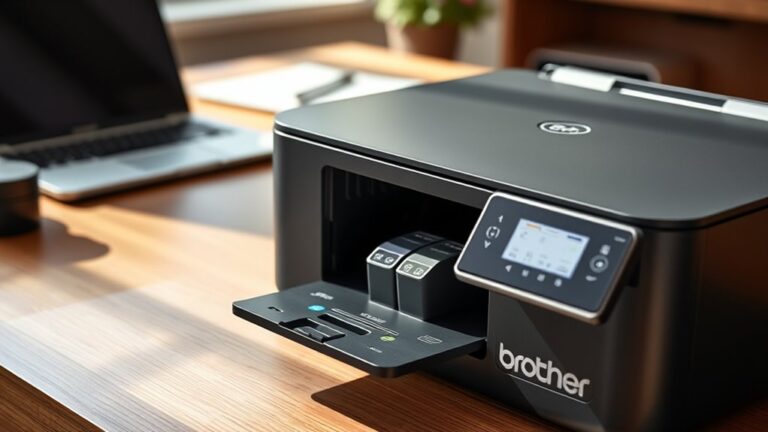
    You’ll need Brother LC3033 series ink cartridges for your Brother J4335DW printer to get sharp, reliable prints. These come in black, cyan, magenta, and yellow.

    There are standard and high-yield options, depending on your printing needs. Just make sure you use genuine cartridges to avoid damage and ensure quality.

    Buying from trusted retailers helps guarantee authenticity and support. If you want to know how to identify genuine cartridges and get the best value, keep exploring ahead.
  • What Ink Cartridge Does Brother J1800DW Use?

    You use Brother LC203 or LC205 ink cartridges in your Brother J1800DW. These come in both standard and high-yield versions, so you can pick what fits your printing needs best.

    The cartridges are available in black, cyan, magenta, and yellow. That means you get vibrant and reliable colors every time you print.

    You can go with genuine Brother cartridges for top quality. Or, if you want to save a bit, there are trusted third-party options too.

    Using the right cartridge is key to keeping your printer running smoothly. Keep exploring to find tips on installation and how to troubleshoot common issues.

  • What Ink Cartridge Does Brother J1410DW Use?

    You’ll need Brother’s genuine LC3033 series ink cartridges for your Brother J1410DW printer.

    They come in black, cyan, magenta, and yellow, with XL high-yield options if you want cartridges that last longer.

    Make sure to check your printer or cartridge label to confirm the exact model before buying.

    It’s best to buy from authorized retailers or Brother’s official store to avoid fakes.

    Sure, third-party cartridges might be cheaper, but they can risk your print quality and reliability.

    Keep reading to find out how to install and maintain these cartridges properly.

  • What Ink Cartridge Does Brother J1365DW Use

    Your Brother J1365DW uses Brother LC3017 series ink cartridges—black (LC3017BK) and color (LC3017C, LC3017M, LC3017Y).

    Picking original cartridges guarantees dependable print quality and avoids compatibility issues common with third-party options.

    When replacing, handle cartridges carefully and follow proper installation steps to keep your prints sharp.

    You can also optimize cartridge life and troubleshoot common problems.

    Keep going to discover helpful tips and detailed guidance for maintaining your printer’s performance.

  • What Ink Cartridge Does Brother J1360DW Use?

    You use Brother LC3033 series ink cartridges with your Brother J1360DW. These come in black, cyan, magenta, and yellow.

    You can choose between standard or high-yield versions based on your printing needs. High-yield cartridges print more pages, saving you time and money.

    These cartridges deliver sharp, vibrant prints without smudging. They also fit easily for hassle-free replacement.

    If you want to keep your printer running smoothly and learn about maintenance or third-party options, there’s more to discover.

  • What Ink Cartridge Does Brother J1205DW Use?

    You’ll need Brother TN-243 or TN-247 ink cartridges for your Brother J1205DW printer. The TN-243 offers standard yield, while the TN-247 provides high yield for bigger print jobs.

    Using genuine or quality compatible cartridges guarantees crisp text and vibrant images. To confirm, check your printer’s compartment or manual for exact models.

    If you want to know where to buy them, how to install properly, and tips to avoid common issues, keep exploring these details.

  • What Ink Cartridge Does Brother J1010DW Use?

    Your Brother J1010DW uses Brother LC3017 series ink cartridges, including black, cyan, magenta, and yellow.

    For heavy printing, you might consider the high-yield LC3017XL versions. Make sure to use genuine cartridges to avoid errors and maintain print quality.

    When replacing, remove the old cartridge carefully and insert the new one without protective tape.

    If you want tips on extending cartridge life and troubleshooting common issues, there’s more helpful information ahead.

  • What Does XL Mean on Ink Cartridges?

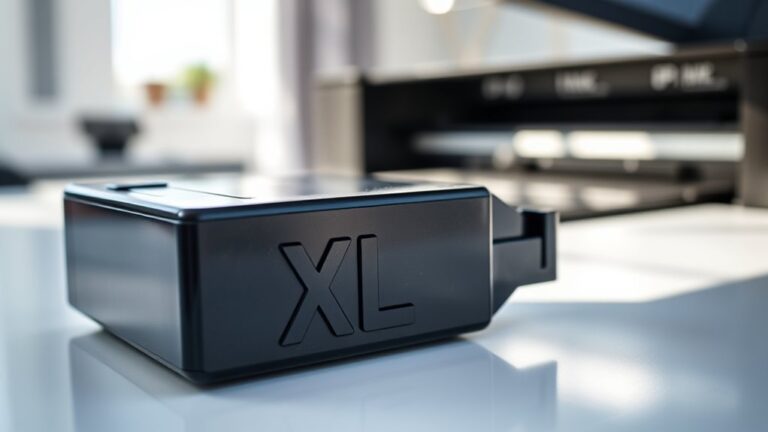
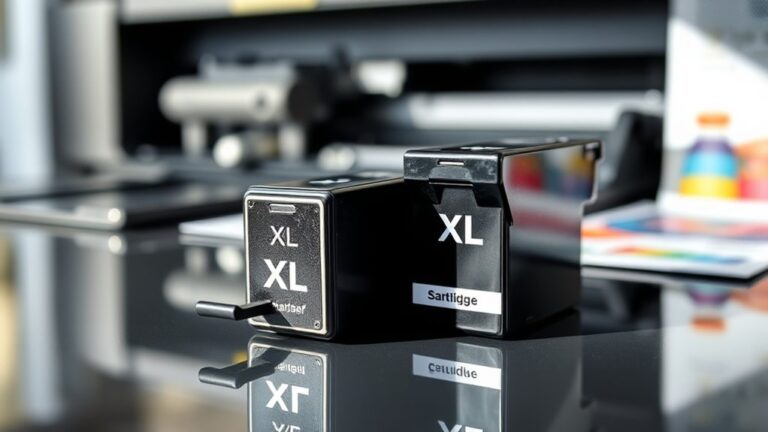
    When you see XL on ink cartridges, it means they hold extra ink compared to standard cartridges. This lets you print more pages before needing a replacement, so you’ll make fewer trips to buy new ink and save money per page.

    XL cartridges fit the same printers but are ideal if you print often or in large volumes. They also help reduce waste.

    If you want to find out how these options impact performance and cost, keep exploring further.

  • What Does XL Mean on Printer Ink?

    When you see XL on printer ink cartridges, it means the cartridge has a higher ink capacity than a standard one. You’ll get more prints before needing a replacement, which saves you time and reduces interruptions.

    XL cartridges usually cost more upfront but offer better value per page and create less waste overall. Just make sure your printer supports XL sizes to avoid errors.

    Keep exploring to find out how these cartridges can fit your printing needs perfectly.

  • What Does XL Ink Cartridge Mean and How to Choose the Right Size

    An XL ink cartridge means it holds considerably more ink than a standard one, letting you print up to three times more pages before needing a replacement. You’ll save money over time due to a lower cost per page and reduce hassle with fewer cartridge changes.

    To choose the right size, think about how often and how much you print—larger cartridges suit high-volume use, while smaller ones are fine for occasional printing. You’ll find even more helpful tips ahead.