How to Tell if the Ink Cartridge Is Empty With a Step-By-Step Guide
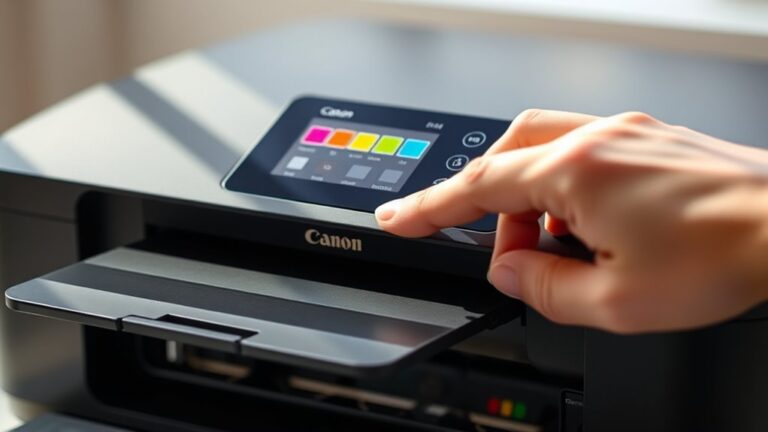
You can tell if your ink cartridge is empty by first checking the printer’s ink level indicator on its display or software. Print a test page to spot faded or streaky output, which signals low ink.
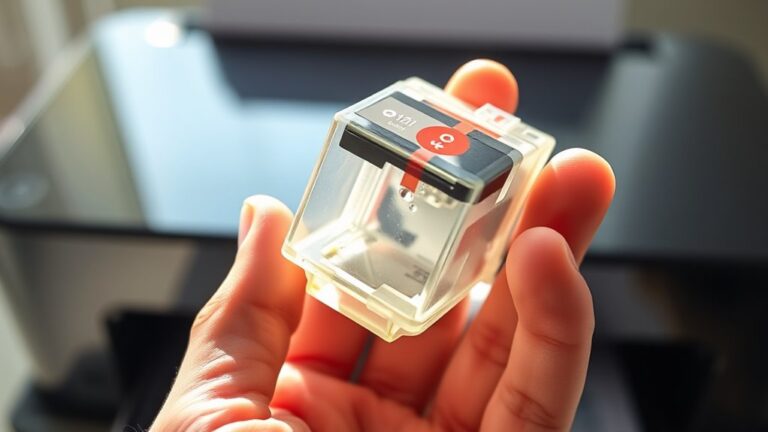
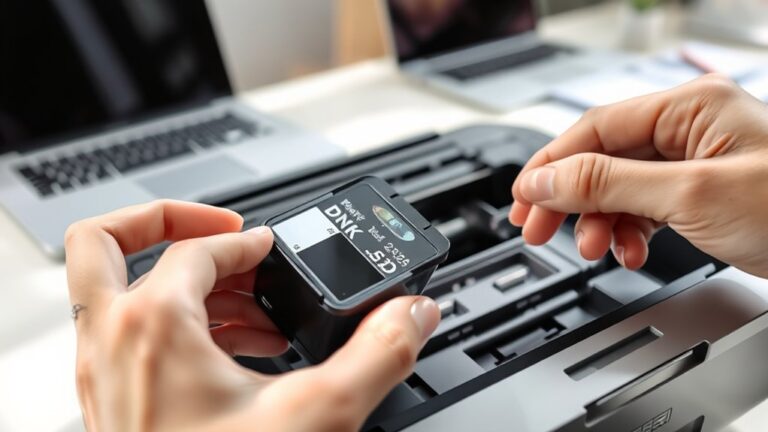
Use your printer’s software to monitor real-time ink levels and alerts. If needed, carefully remove the cartridge to visually check ink inside.
Running a cleaning cycle can also help. If problems persist, you might need a replacement. Keep going to discover detailed steps and tips.