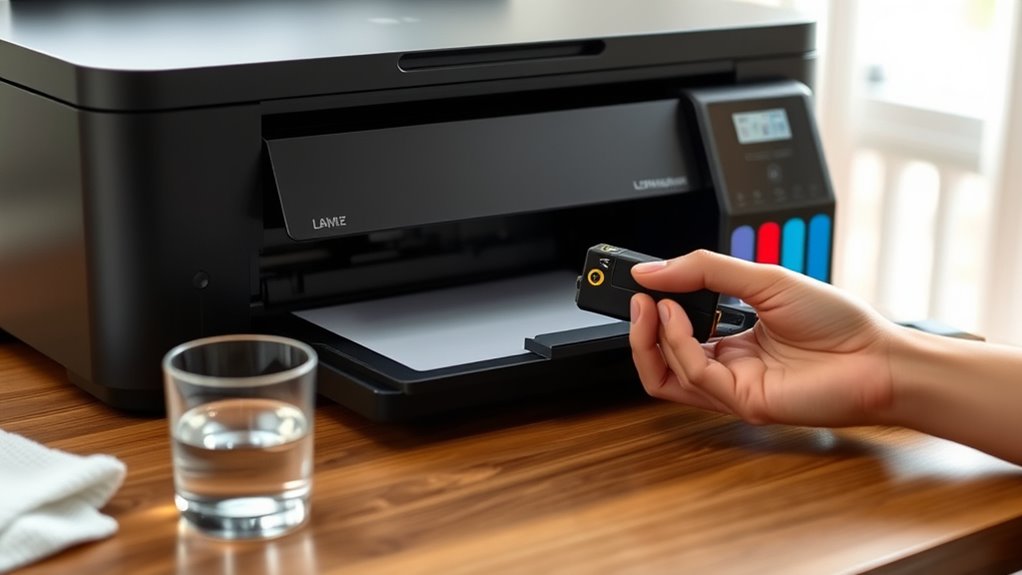
5 Tips to Keep Ink Cartridges From Drying Out
To keep your ink cartridges from drying out, it’s important to store them properly. Find a cool, dry spot away from sunlight and heat—that’s the best place to keep them safe.
Using your printer regularly also helps. Even printing small jobs or test pages now and then keeps the ink flowing smoothly.
Make sure the printer caps and covers are always securely closed when not in use. This reduces exposure to air, which can dry out the ink.
Don’t forget routine maintenance, like running cleaning cycles. These prevent clogs and keep your printer working well.
Follow these simple steps, and you’ll protect your cartridges better, extending their lifespan and improving print quality. There’s even more you can do, but these tips are a great start!
Key Takeaways
- Store ink cartridges in a cool, dry place away from direct sunlight and heat sources. This helps prevent evaporation and keeps them from drying out.
- Use your printer regularly by printing small jobs or test pages every week. It’s a simple way to keep the ink flowing and stop clogs from forming.
- Always keep printer caps and cartridge compartments securely closed when you’re not using them. This minimizes the ink’s exposure to air, which can dry it up.
- Avoid placing printers or cartridges near windows, radiators, or vents. Temperature changes in these spots can cause your ink to dry faster.
- Perform routine printer maintenance, like running cleaning cycles and updating firmware. These small steps help your cartridges work better and last longer.
Store Cartridges Properly in a Cool, Dry Place
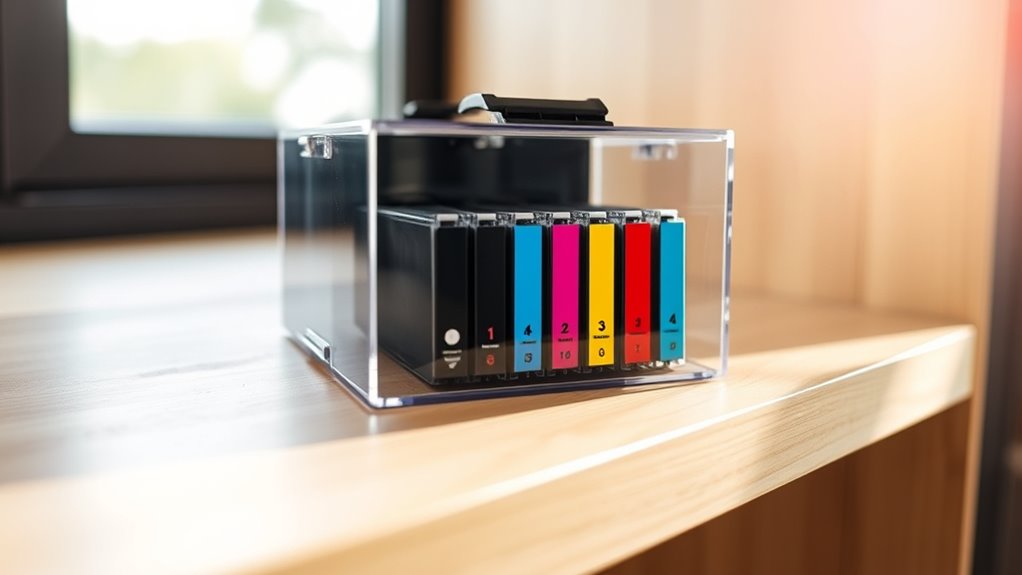
Although it might seem simple, storing your ink cartridges in a cool, dry place plays an essential role in preventing them from drying out. Heat accelerates ink evaporation, so keeping cartridges away from direct sunlight and warm spots helps maintain their moisture.
Avoid humid areas, too, since excess moisture can damage the cartridges or cause ink clumping. Ideally, you should store cartridges in their original sealed packaging until you’re ready to use them.
If you’ve opened a cartridge but won’t use it immediately, place it in an airtight container or wrap it tightly in plastic to minimize exposure to air. By controlling temperature and humidity around your cartridges, you’ll extend their lifespan and keep your prints crisp and vibrant.
Use Your Printer Regularly to Prevent Drying
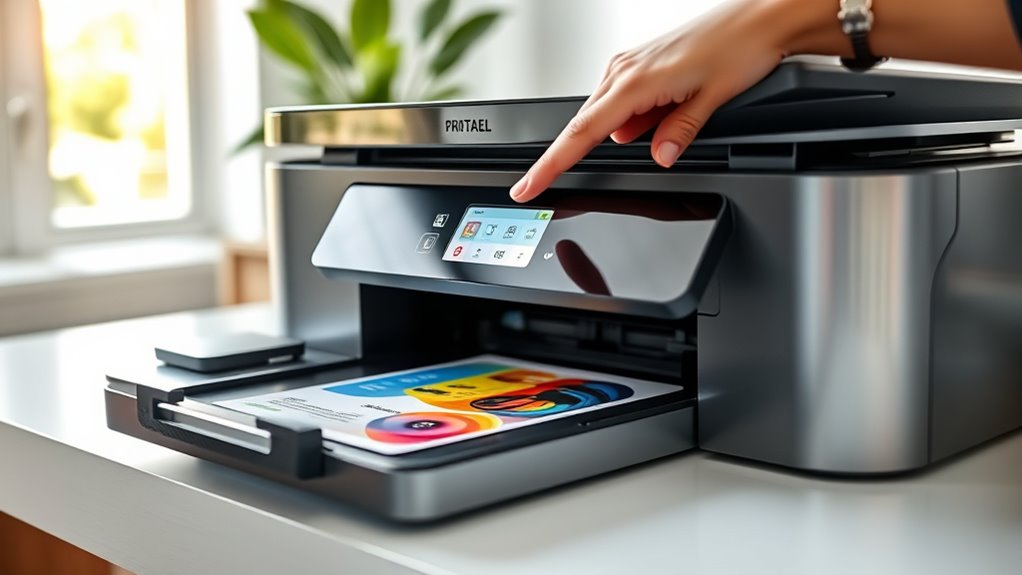
If you don’t use your printer often, the ink inside the cartridges can dry up and clog the nozzles. To keep your printer working smoothly, make sure you print something regularly.
This simple habit keeps the ink flowing and prevents blockages. You don’t have to print full documents every time; even small tasks help maintain cartridge health.
Regular small print jobs keep ink flowing and cartridges healthy without needing full documents.
Here are some easy ways to use your printer regularly:
- Print a test page once a week
- Print reminders or notes for yourself
- Run a cleaning cycle through the printer software
- Print photos or short documents occasionally
Keep Printer Caps and Covers Securely Closed
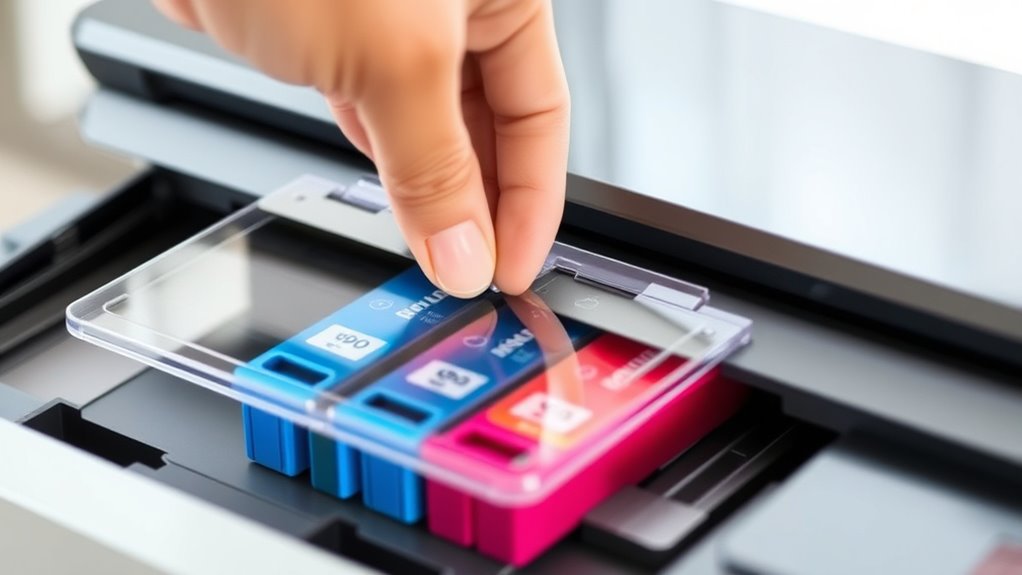
To prevent ink cartridges from drying out, always keep your printer’s caps and covers securely closed when the printer is not in use. These protective barriers help maintain the right humidity around the cartridges, minimizing exposure to air that can cause the ink to dry and clog the nozzles.
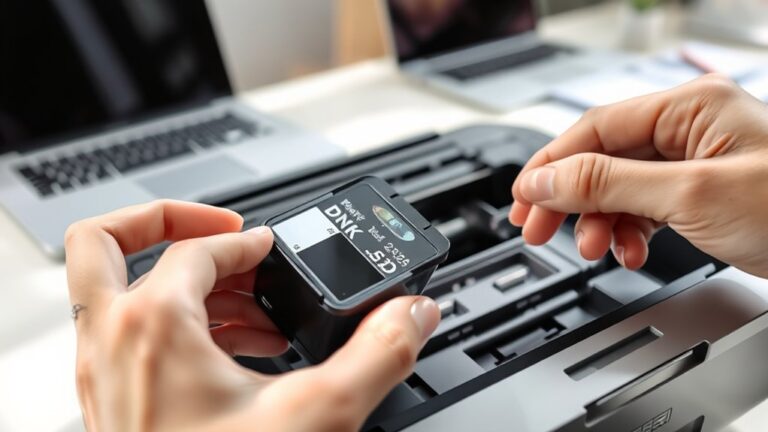
Make sure the ink cartridge compartment is fully sealed after replacing or checking cartridges. If your printer has a removable cover or lid, close it tightly to create a sealed environment.
Avoid leaving the printer open for extended periods, as this accelerates ink evaporation. By consistently securing all caps and covers, you protect your cartridges from unnecessary drying.
This helps extend their lifespan and ensures print quality remains sharp and consistent every time you print.
Avoid Exposure to Direct Sunlight and Heat
Keeping your printer’s caps and covers securely closed is a great step, but you also need to protect your ink cartridges from direct sunlight and heat. Exposure to these elements can cause the ink to dry out faster, reducing print quality and cartridge lifespan.
To keep your cartridges in top shape, make sure you place your printer away from windows where sunlight streams in. Also, avoid positioning the printer near heat sources like radiators or vents.
When storing spare cartridges, keep them in a cool, shaded area away from temperature fluctuations. And don’t forget to keep your workspace well-ventilated but shielded from harsh environmental conditions.
Perform Routine Printer Maintenance and Cleaning
Since ink cartridges rely on clean print heads and smooth internal mechanisms, performing routine printer maintenance and cleaning is essential to prevent clogs and guarantee consistent print quality. You should run your printer’s built-in cleaning cycle regularly, especially if you haven’t used it in a while. This helps clear dried ink from the nozzles.
Also, wipe the exterior and accessible interior parts gently with a lint-free cloth to remove dust and debris. Avoid using harsh chemicals that could damage components. Check for firmware updates to keep your printer running smoothly.
Frequently Asked Questions
Can Using Third-Party Ink Cartridges Cause Drying Issues?
Yes, using third-party ink cartridges can sometimes cause drying issues because their ink formulas may not match your printer’s specifications.
You’ll want to choose quality brands and store cartridges properly to avoid drying problems. It’s all about making sure the ink works well with your printer.
How Long Do Ink Cartridges Typically Last After Opening?
Ink cartridges typically last about six months after opening, but this can vary. You should use them regularly and store your printer in a cool, dry place to prevent drying and clogging.
Doing this helps ensure better longevity and print quality. So, keeping an eye on how often you print can really make a difference!
Does the Type of Printer Affect Cartridge Drying Speed?
Yes, the type of printer affects cartridge drying speed.
For example, inkjet printers can dry out cartridges up to 30% faster than laser printers. This happens because they use liquid ink, which evaporates more quickly when unused.
Are There Specific Ink Brands That Resist Drying Better?
Yes, you’ll find some ink brands formulated to resist drying better, especially those designed for high-end or photo printers.
Look for pigment-based inks—they tend to last longer and dry out less quickly than dye-based ones.
These inks are made to stay fresh and vibrant, which is great if you don’t use your printer every day.
Can Refilling Cartridges Help Prevent Them From Drying Out?
Refilling cartridges can gently revive your printer’s lifeblood, but you’ll need to refill them before they completely dry out.
Waiting too long might cause clogs, so stay proactive to keep your prints flowing smoothly.
Conclusion
By treating your ink cartridges like precious seeds, you’ll keep them fresh and ready to bloom with every print. Store them in a cool, dry sanctuary, shielded from harsh sunlight and heat’s fiery grasp.
Use your printer often, sealing its cap like closing a protective treasure chest. With regular care and gentle cleaning, your ink will flow like a river—never drying up, always vibrant.
Keeping your ink cartridges from drying out is all about consistent care and proper storage. Remember to keep them away from heat and direct sunlight, and use your printer regularly to maintain ink flow. By following these simple tips, you’ll ensure that your ink cartridges stay fresh and your prints come out crisp and colorful every time. Taking these steps not only extends the life of your cartridges but also saves you money by avoiding frequent replacements. So, treat your cartridges right, and they’ll keep your ideas flowing smoothly with every print.